Protect a company
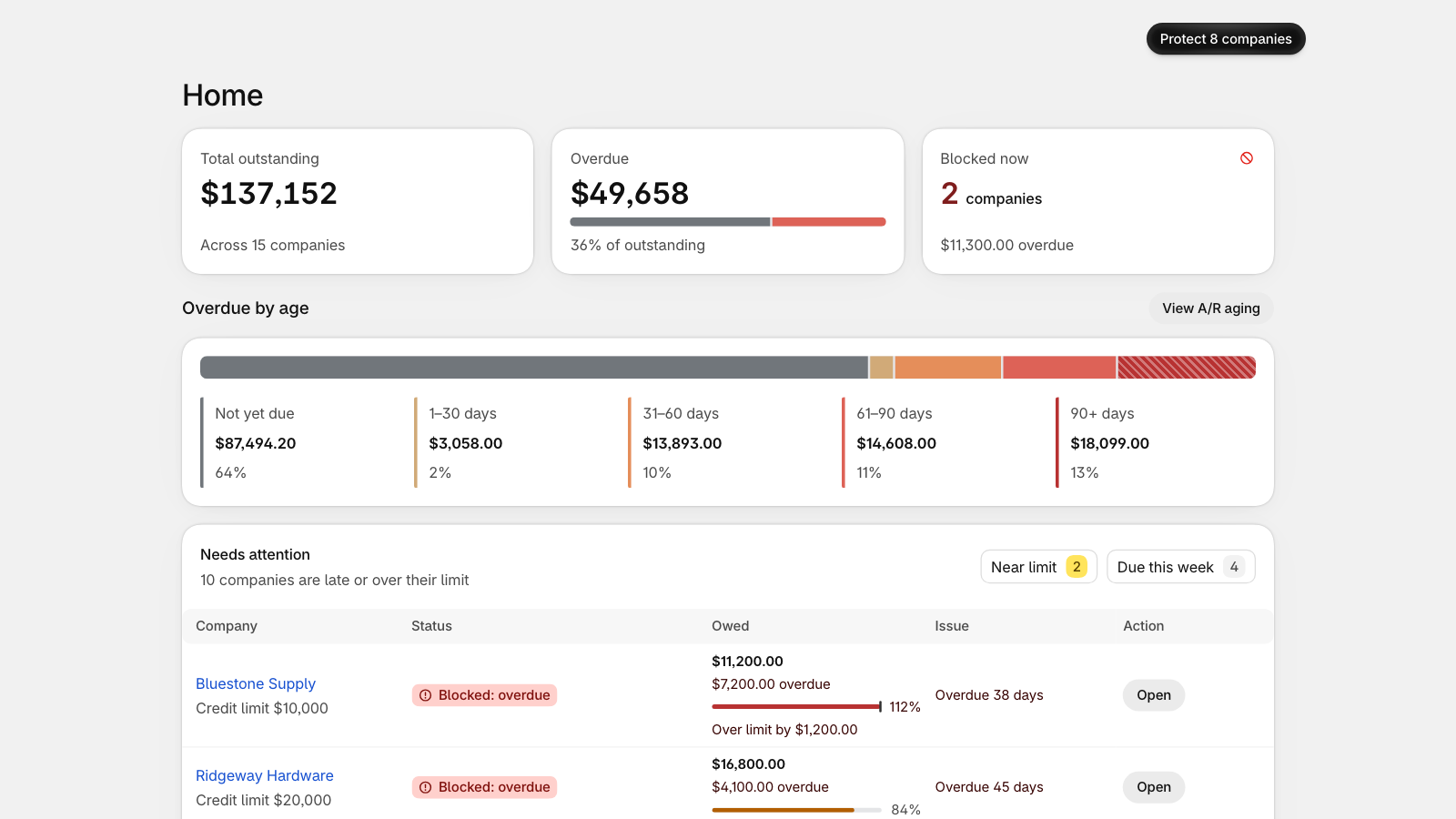
Installing CreditHold changes nothing at checkout. CreditHold works out each company's outstanding balance and overdue orders from your Shopify orders on payment terms, but it only blocks the companies you protect.
Before you protect
Home lists the companies that would be blocked today, and each company's page shows the message its buyers would see. Companies without payment terms can't be protected: they pay upfront at checkout.
Protect
- Open the company from Companies or Home.
- Select Protect, choose the rules (Block orders while overdue, Block orders over the limit) and, if you want one, a credit limit.
- Confirm. A company that is already overdue or over its limit is blocked at checkout right away; the dialog tells you before you confirm.
On a new store, the setup card on Home offers Protect your top 3: the companies with the most outstanding on payment terms, which you review before anything is blocked.
The Free plan protects up to 3 companies; Pro protects as many as you like. To stop protecting a company, open it and select Unprotect.
Company locations without payment terms aren't blocked by default. To block overdue companies there too, turn on Block overdue companies even when they pay now in Settings.
Still stuck? Email support.credithold@takisoft.net. We reply within one business day.